1) Layout Settings:
- There are 8 different layouts available with various designs to create a timeline of your choice.
- The currently available layouts are Vertical (Right / Left), Vertical (Right Only), Vertical (Left Only), Vertical (Compact), Vertical (Tab), Horizontal (Top), Horizontal (Bottom), and Horizontal (Highlighted).
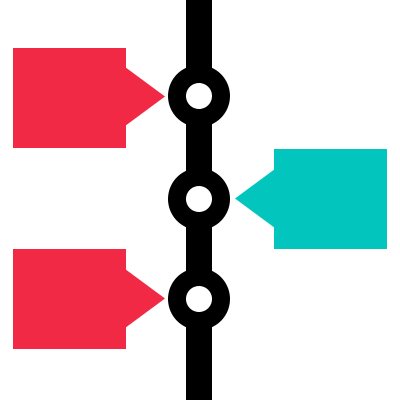
Vertical (Right / Left):– This layout displays the timeline stories on both sides of the vertical line.
Vertical (Right ):– In this layout, timeline stories are aligned on the right side of the vertical line.
Vertical (Left):– In this layout, timeline stories are aligned on the left side of the vertical line.
Compact Layout: – This layout displays the timeline stories on both sides of the vertical line.
Vertical (Tab): – This layout displays timeline stories in a modern vertical tab structure, similar to Material UI design. On the left side, scrollable buttons represent each story using the date and sub-label. On the right side, the selected story’s full content is shown.
Horizontal Top: – The horizontal layout actually displays the timeline in horizontal format and the line starts with the top. All the stories are aligned side by side and a slider is initialized to scroll through the stories.
Horizontal Bottom: – The horizontal layout actually displays the timeline in horizontal format and the line starts with the bottom. All the stories are aligned side by side and a slider is initialized to scroll through the stories.
Horizontal highlighted: – The horizontal layout actually displays the single timeline in horizontal format and the line starts with the top, with highlighted color effects.
2) Preset Styles:-
There are six preset styles available for horizontal layouts: Default, Classic, Elegant, Clean, Minimal, and Flat. These styles apply to all horizontal formats including Top, Bottom, and Highlighted.
For vertical layouts, seven preset styles are available: Default, Classic, Elegant, Clean, Bold, Flat, and Minimal. However, the Minimal preset is not supported in the Vertical (Tab) layout.