Excellent Product. I use it for years now.. But aside the product being excellent, the main reason i'm rating this now is the support. Thanks Cool Plugins for your great product and support!
I typically don't go out of my way to rate plugins, but this one deserves the attention! The customer service is absolutely amazing, helping me with exactly what I ask for! Great job! Very happy to have purchased!
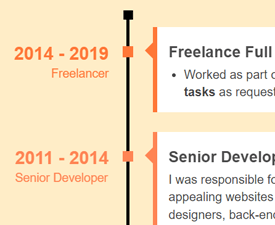
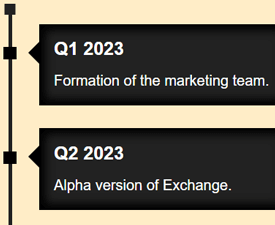
I am only using the free version right now but it has all the functionality I would need, for my club. The timeline it creates looks great, with lots of styling options and some basic animation. It is also fully responsive, which I like.
Cool Timeline delivered exactly what I wanted in a timeline. They even helped me customize it with some CSS so it would display like I wanted it to. Extremely happy with this plugin and the customer service from Cool Timeline!
I have sent an email regarding a configuration problem and I got the right response after 45 minutes… I really don’t know if I sent 5 stars for support or 5 stars for the product!
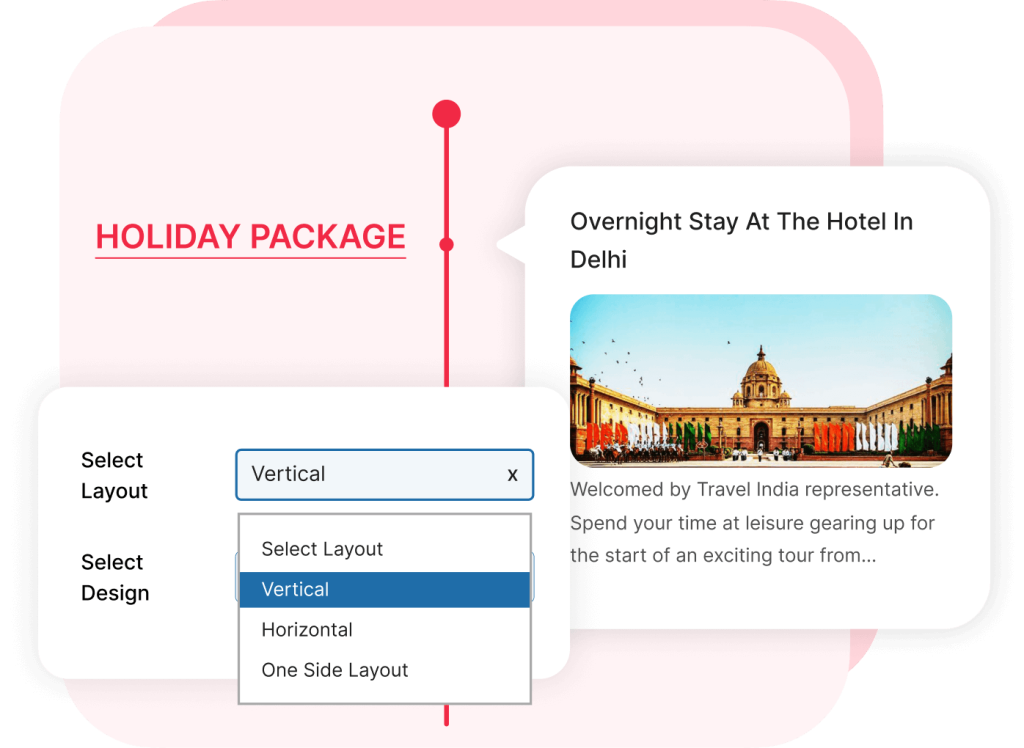







| Features | Free | Pro |
|---|---|---|
| Vertical Layout | 5 Designs | 5+ Designs |
| Horizontal Layout | 1 Design | 15+ Designs |
| Timeline Settings | Basic Settings | Advance Settings |
| Animation Effects | 1 Animation | 15+ Animations |
| Pagination | ||
| Ajax Load More | ||
| MULTIPLE TIMELINE | ||
| Story Custom Color | ||
| Post Timeline | ||
| Timeline Categories | ||
| Filters in Timeline | ||
| Video / Slide-show | ||
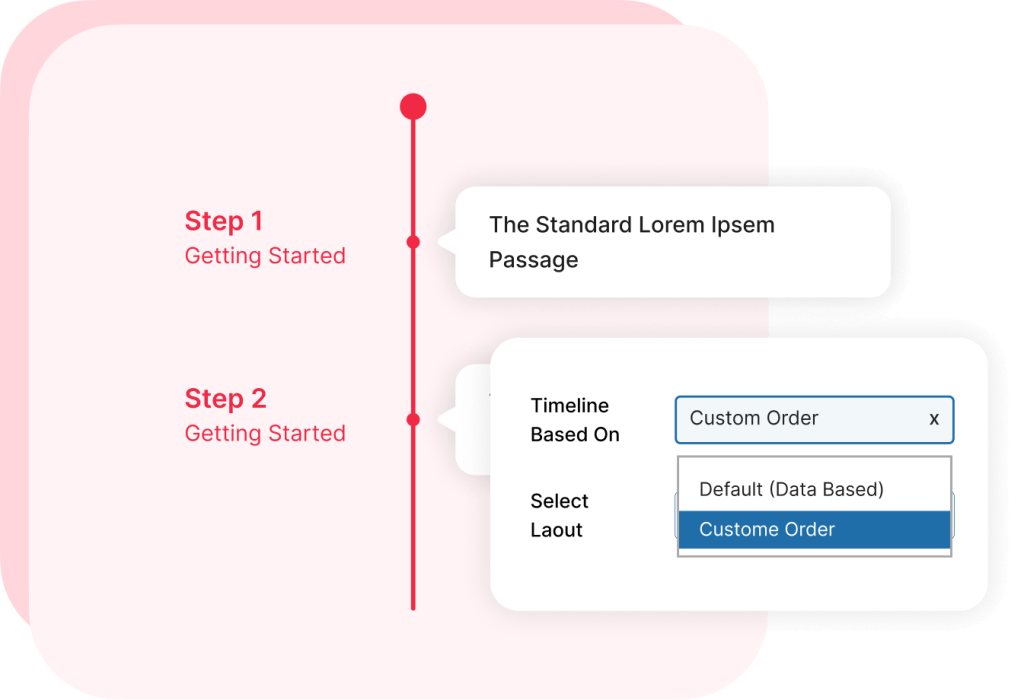
| Custom Labels / Text (Step-by-step timeline) | ||
| Any Timeline Year (BC/AD) | ||
| Custom image icons | ||
| Quick Year Navigation |
For 1 Website


SAVE
$$$
Your purchase is protected with our 14-day money-back guarantee.
Secure SSL encrypted payment by
PayPal & Stripe (Credit & Debit Cards)

Absolutely! Cool Timeline Pro is the perfect solution for creating large timelines. You can easily publish over 100 stories and display them in a timeline layout on any page using a shortcode.
Additionally, you have the option to add Ajax load-more or pagination features to your timeline for better navigation. To quickly explore a large timeline, you can use the quick scrolling year navigator.
Yes, we offer a lifetime license for Cool Timeline Pro. Pay once and enjoy lifetime plugin updates and premium support. Please check our pricing plans to get a lifetime license.
While Cool Timeline Pro can be used inside Elementor pages via a shortcode widget, we recommend trying our dedicated timeline plugin designed for Elementor users.
Timeline Widget Pro Addon For Elementor provides advanced timeline design options and a drag-and-drop timeline widget specifically for Elementor.
Yes, you can create a timeline using pre-published blog posts. Simply use a simple shortcode to display the timeline on any page.
Additionally, you can create a timeline using titles and descriptions from any post type.
Absolutely! You can showcase various media formats within your timeline story. You can include a featured image, embed YouTube videos, or even create a slideshow of images to enhance your timeline’s content.
Yes, you have full control over the colors in your timeline. While publishing a story, you can choose a custom color that will override the default color settings of the timeline.
This allows you to create a multi-color timeline design, giving each story its own unique visual representation.
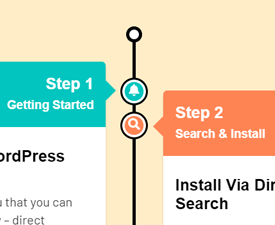
Yes, you have the flexibility to display custom text instead of dates or years in your timeline. This feature is particularly useful if you want to create step-by-step or process-based timeline designs.
You can easily replace date information with custom text such as “Step 1,” “Step 2,” and so on. Additionally, you can manually order these custom text items within your timeline.